Claude vs ChatGPT for Work: A Practical Comparison
A decision-focused comparison of Claude vs ChatGPT for real work: writing, analysis, meetings, coding, security, and team workflows—plus a simple step-by-step to pick the right one.

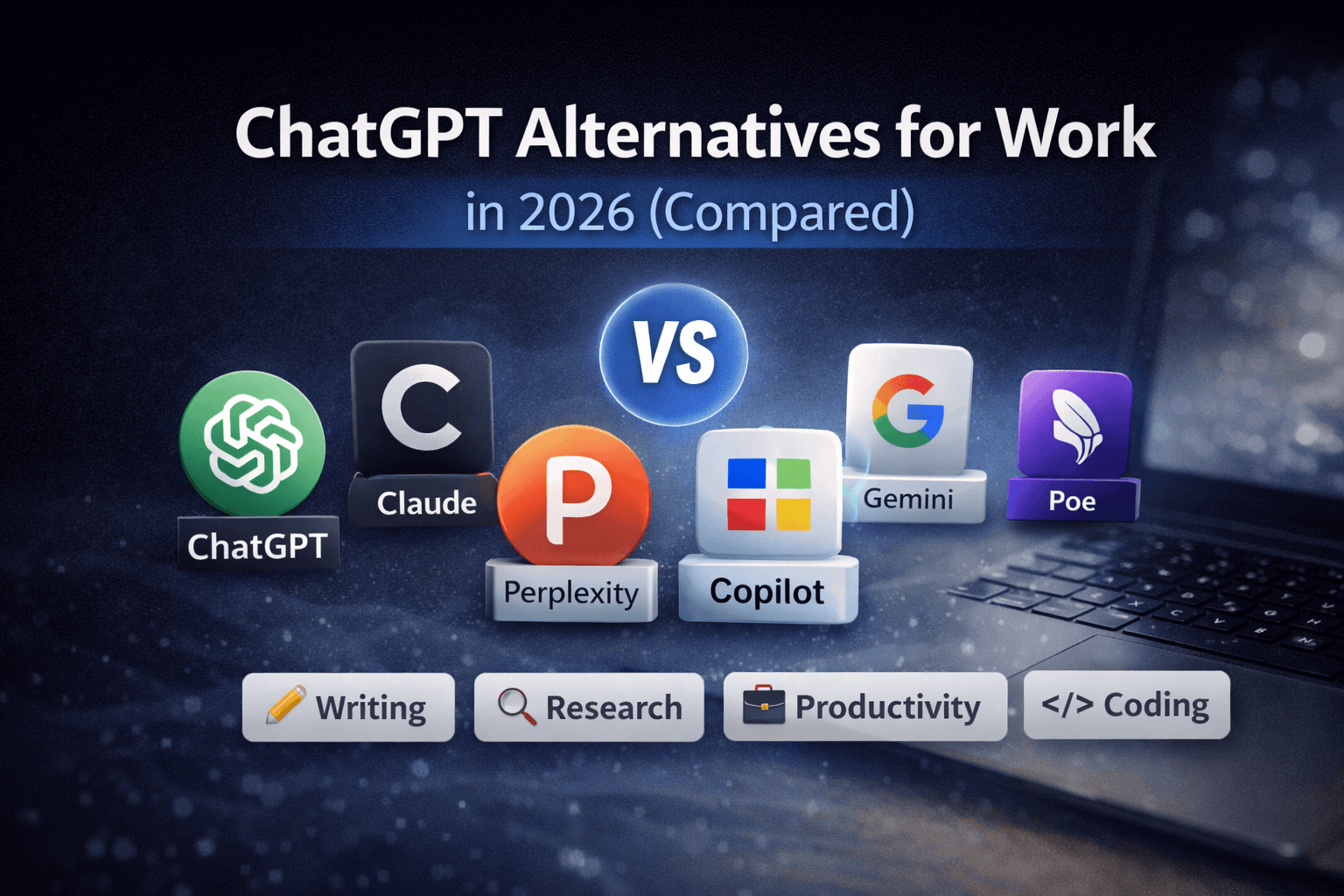
Picking between Claude and ChatGPT is a work decision, not a fandom choice. This Claude vs ChatGPT for work comparison focuses on common tasks: writing, summarizing, analysis, coding, and team workflows. Use it to choose fast, then validate with a short trial.
TL;DR (Claude vs ChatGPT for work)
- Choose Claude if your work is heavy on long documents, careful editing, and structured summaries.
- Choose ChatGPT if you want a broader “do-everything” assistant for daily productivity, especially with tool integrations and flexible workflows.
- For writing quality and tone control, Claude is often the safer default for polished business prose.
- For varied tasks in one place (docs, quick brainstorming, lightweight automation, mixed media), ChatGPT is usually the more convenient hub.
- If your team needs repeatable outputs, both work—but you’ll get better results by standardizing prompts and review steps than by switching models.
What to pick based on your daily workflow
If you live in docs (policies, plans, briefs, long reports)
Pick Claude.
It tends to be strong at:
- Digesting long context and maintaining consistency across sections
- Editing for clarity without rewriting your intent
- Summarizing with clean structure (bullets, headings, action items)
This is the best fit for:
- Ops, HR, legal-adjacent work (non-lawyer drafting), enablement, internal comms
- Anyone who revises the same doc multiple times and needs the model to stay “on rails”
If your day is mixed tasks (writing + planning + quick research + templates)
Pick ChatGPT.
It’s a good fit when you need:
- Fast iterations across different task types
- Consistent “assistant” behavior across many small requests
- A central place for productivity work where you can reuse patterns
This is the best fit for:
- Generalist roles (PM, founders, marketers, customer success)
- People who want one tool open all day for everything from emails to project plans
Writing, editing, and tone (what you’ll notice in practice)
Business writing (emails, memos, proposals)
- Claude: Strong at clean, professional language with fewer “salesy” leftovers. Good at rewriting without adding fluff.
- ChatGPT: Very capable, but you may need to explicitly constrain tone (“no hype,” “short sentences,” “avoid adjectives”) to keep it sharp.
Recommendation:
- If you send client-facing writing daily, start with Claude.
- If you draft many formats (email + landing copy + FAQs + internal notes), ChatGPT is efficient—just use a strict style prompt.
Summaries and action items (meetings, transcripts, long threads)
- Claude: Often produces better structured summaries with clearer next steps.
- ChatGPT: Solid summaries, especially if you specify the output format.
Recommendation:
- For executive-ready “what happened + what we do next,” pick Claude.
- For quick summaries you’ll immediately edit anyway, either is fine—opt for your team’s standard tool.
Analysis and reasoning for work decisions
Planning, trade-offs, and structured thinking
Both can help, but you must force structure.
Use prompts like:
- “List 3 options. For each: benefits, risks, required effort, and a recommendation.”
- “Assume my constraints are X, Y, Z. Do not change them.”
Practical difference:
- Claude often feels more disciplined in staying within constraints.
- ChatGPT is great for exploring options quickly, then narrowing with follow-up questions.
Recommendation:
- If your work punishes mistakes (compliance-heavy processes, sensitive comms), lean Claude.
- If you need volume and speed (early-stage planning, many drafts), lean ChatGPT.
Coding and technical work outputs
Debugging, snippets, and explaining code
- ChatGPT: Strong for iterative back-and-forth debugging and generating small utilities.
- Claude: Also capable, often strong at reading longer code/context and proposing cleaner refactors.
Recommendation:
- If you’re a developer doing frequent “talk to the code” loops, choose ChatGPT.
- If you’re reviewing large files or want clearer explanations and refactors, choose Claude.
Team fit: consistency, review, and risk control
Getting repeatable results across a team
The model matters less than the process.
Do this:
- Standardize 5–10 approved prompt templates (emails, summaries, PRDs, customer responses)
- Require a human review step for anything external-facing
- Keep a “house style” snippet everyone pastes in first
Where tools differ:
- Claude: Great when you want consistent, polished writing as the default output.
- ChatGPT: Great when you want one workspace for many task types and faster iteration.
Recommendation:
- For comms-heavy teams: Claude as the default writer.
- For cross-functional teams: ChatGPT as the default general assistant.
Step-by-step
- List your top 5 weekly tasks. Be specific (e.g., “summarize calls into action items,” “edit internal docs,” “write customer emails,” “debug scripts”).
- Pick one real artifact per task. Use an actual doc, transcript, or code snippet you recently worked on.
- Run the same prompt in Claude and ChatGPT. Keep inputs identical. Ask for a fixed format output (headings + bullets).
- Score outputs on 4 criteria: accuracy, structure, tone fit, and edit time (how long it takes you to ship).
- Choose the tool that reduces edit time most. That’s the real productivity gain.
- Create 3 reusable prompt templates based on the winning outputs. Share them with your team.
- Set a review rule: anything client-facing or policy-related gets a human check before sending.
Common mistakes
-
Pasting messy input and expecting clean output.
Fix: Add a 1–2 sentence brief: audience, goal, and constraints (“short, direct, no marketing tone”). -
Asking for “a summary” without a format.
Fix: Specify structure: “5 bullets + decisions + risks + next steps + owners.” -
Letting the model change your requirements.
Fix: State constraints explicitly: “Do not add new features. Work only with what’s here.” -
Shipping first drafts externally.
Fix: Use a two-pass workflow: draft → “find errors and risky claims” → edit → send. -
Using different prompts every time.
Fix: Lock in templates for repeat tasks. Small prompt changes cause big output changes.
FAQ
Is Claude or ChatGPT better for productivity at work?
For document-heavy work and polished writing, Claude is often the better productivity boost. For mixed daily tasks and a single do-it-all assistant, ChatGPT is usually the better hub.
Which is better for long documents?
Claude is typically the stronger choice for long documents, especially for structured summaries and consistent revisions across sections.
Which is better for writing emails and customer responses?
If you want concise, professional tone with minimal fluff, start with Claude. If you need many variants quickly (different audiences and formats), ChatGPT is efficient—use a strict tone constraint.
Which is better for coding at work?
For iterative debugging and rapid snippet generation, ChatGPT is a strong default. For reading large context and suggesting cleaner refactors, Claude can be excellent.
Can I use both without wasting time?
Yes—assign roles. Use Claude for long-form writing and summaries. Use ChatGPT for rapid multi-tasking and iterative problem-solving. The key is fixed templates so switching doesn’t add friction.
Takeaway
Use Claude when your work output is documents and clarity. Use ChatGPT when your work is varied and you want one assistant for everything. Run the same five real tasks in both, then keep the one that cuts your edit time the most.