Best Productivity Tools for Solo Founders (2026)
A practical guide to the best productivity tools for solo founders and freelancers in 2026—tasks, workspaces, time tracking, writing, and AI tools that actually work.
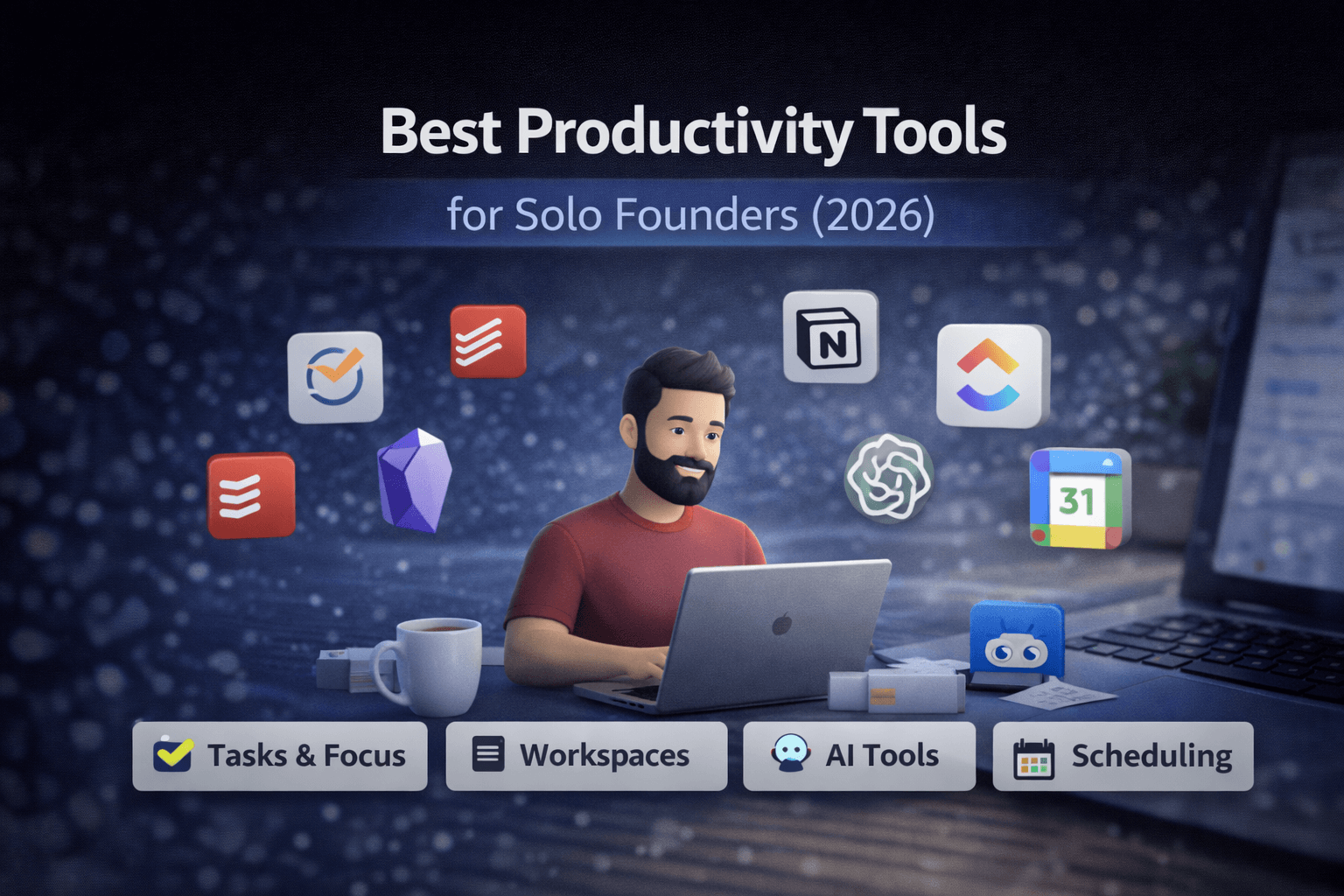
Solo founders don't need "team software." They need clarity, focus, and low overhead. Productivity isn't about doing more—it's about removing friction. This guide covers the best productivity tools for solo founders in 2026, focusing on what actually works when you're building something alone.
Who This Guide Is For (And Who It's Not)
This guide is for:
- Solo founders building products or services alone
- Freelancers working independently
- Indie hackers running one-person businesses
- Consultants and creators who work solo
- One-person SaaS or service businesses
It's not for:
- Large teams or organizations
- Enterprises with dedicated project managers
- Companies with complex team workflows
- People who need extensive collaboration features
If you're working alone, this guide will help you choose tools that keep your workflow simple and consistent. If you're part of a team, you'll likely need different tools with collaboration features.
Quick Verdict
Best task management: Todoist or TickTick
Best all-in-one workspace: Notion or ClickUp
Best time tracking: Toggl or Clockify
Best writing & thinking: Obsidian or Notion
Best AI assistant: ChatGPT or Claude
Best calendar & scheduling: Google Calendar + Calendly
What Solo Founders Actually Need
Most productivity advice assumes you're part of a team. Solo founders face different challenges:
- No one to delegate to – You handle everything yourself
- Limited time – Every tool needs to earn its place
- Context switching – You wear multiple hats daily
- Decision fatigue – Too many tools means too many choices
- Budget constraints – Every subscription adds up
Good productivity tools should be simple, fast, and focused—they should reduce friction, not add complexity. The best tools for freelancers working alone are those that stay out of your way.
Best Productivity Tools for Solo Founders (2026)
The following tools are organized by category. Each tool includes who it's for, who it's not for, pros and cons, and when to choose it. This helps you build a system that actually works.
1. Task & Focus Management
When you're working alone, task management isn't about coordination—it's about clarity and focus. You need to see what matters today, not manage a complex project pipeline.
Todoist
Best for: Solo founders who want structure without complexity
Not ideal for: Visual thinkers, people who need project views
Todoist is a straightforward task manager that focuses on getting things done. It uses natural language input, recurring tasks, and simple project organization.
Pros:
- Clean, distraction-free interface
- Natural language task creation ("Call client tomorrow at 2pm")
- Powerful recurring task system
- Good mobile apps
- Free tier is actually useful
- Fast and lightweight
Cons:
- Limited visual project views
- No built-in time tracking
- Less flexible than Notion for complex workflows
- Premium features can feel expensive for solo use
When to choose Todoist: You want a focused task manager that stays out of your way. You don't need complex project views or team collaboration.
TickTick
Best for: Solo founders who want more features than Todoist but less complexity than ClickUp
Not ideal for: Minimalists, people who want the simplest possible tool
TickTick is like Todoist with more features: calendar views, Pomodoro timer, habit tracking, and better project organization.
Pros:
- More features than Todoist at similar pricing
- Calendar view for time-blocking
- Built-in Pomodoro timer
- Habit tracking integration
- Good free tier
- Fast and reliable
Cons:
- Can feel feature-heavy for simple needs
- Interface is busier than Todoist
- Some features you might never use
- Less polished than Todoist in some areas
When to choose TickTick: You want Todoist's simplicity but need calendar views or time-blocking features.
2. All-in-One Workspaces
Some solo founders prefer one tool that handles tasks, notes, and planning. Others find all-in-one tools too complex. It depends on how you think and work.
Notion
Best for: Solo founders who want to build custom systems and keep everything in one place
Not ideal for: People who want simplicity, speed-focused workflows, minimal setup
Notion is a flexible workspace that combines notes, databases, tasks, and wikis. You can build almost anything, but you have to build it yourself.
Pros:
- Extremely flexible—build your own system
- Combines notes, tasks, and databases
- Powerful database features for tracking
- Good for knowledge management
- Free tier is generous
- Beautiful design
Cons:
- Requires setup time to be useful
- Can be slow, especially with large workspaces
- Steep learning curve
- Easy to overcomplicate
- Not ideal for quick capture
When to choose Notion: You enjoy building systems, need to track complex information, and want everything in one place. See our Notion alternatives guide if you're looking for something simpler.
ClickUp
Best for: Solo founders who need project management features but work alone
Not ideal for: Minimalists, people who just need simple task lists
ClickUp is a project management tool that works well for solo founders who think in projects and need visual organization.
Pros:
- Multiple view types (list, board, calendar, Gantt)
- Good for managing multiple projects
- Time tracking built-in
- Free tier is powerful
- Integrates with many tools
- Good for visual planning
Cons:
- Can feel overwhelming for simple needs
- More features than most solo founders need
- Slower than focused task managers
- Learning curve to use effectively
- Interface can be busy
When to choose ClickUp: You manage multiple projects, need visual organization, and want time tracking integrated. See our ClickUp vs Notion comparison to understand the differences.
3. Time Tracking & Awareness
Solo founders often skip time tracking, but it's valuable even when you're not billing hours. Understanding where your time goes helps you make better decisions about what to focus on.
Toggl Track
Best for: Solo founders who want simple, reliable time tracking
Not ideal for: People who need detailed project breakdowns, team reporting
Toggl Track is a straightforward time tracker that focuses on ease of use. Start a timer, stop it, see where your time went.
Pros:
- Dead simple to use
- One-click timer start/stop
- Good mobile apps
- Useful reports and insights
- Free tier covers solo use
- Integrates with many tools
Cons:
- Limited project management features
- Basic reporting compared to enterprise tools
- No built-in invoicing (separate product)
- Can forget to track if not in habit
When to choose Toggl: You want to understand where your time goes without complexity. You don't need detailed project breakdowns or team features.
Clockify
Best for: Solo founders who want free time tracking with more features
Not ideal for: People who want the simplest possible tool
Clockify is a free time tracker with more features than Toggl's free tier, including unlimited projects, reports, and team members.
Pros:
- Completely free for unlimited use
- More features than Toggl free tier
- Good reporting and insights
- Project and client tracking
- Team features if you grow
- Simple interface
Cons:
- Can feel less polished than Toggl
- More features than you might need
- Interface is slightly busier
- Some features feel enterprise-focused
When to choose Clockify: You want free time tracking with project organization and don't mind a slightly more complex interface.
Why solo founders should track time: Even if you're not billing hourly, time tracking reveals where your time actually goes. You might think you spend 2 hours on marketing, but tracking shows it's actually 5 hours. This awareness helps you make better decisions about priorities and pricing.
4. Writing, Thinking & Knowledge Management
Solo founders need to capture ideas, write content, and build knowledge over time. The right tool depends on whether you prefer structure or flexibility.
Obsidian
Best for: Solo founders who want local-first knowledge management and interconnected thinking
Not ideal for: People who need cloud sync without setup, real-time collaboration
Obsidian is a powerful knowledge management tool that stores everything locally and creates connections between your notes through linking and graph views.
Pros:
- Files stored locally on your device
- Powerful linking and graph view
- Markdown-based, future-proof
- Free for personal use
- Excellent for building knowledge over time
- Large plugin ecosystem
- No vendor lock-in
Cons:
- Requires setup for cloud sync
- Steeper learning curve
- No built-in collaboration
- More technical than Notion
- Mobile sync requires additional setup
When to choose Obsidian: You want complete control over your data, prefer local storage, and enjoy building interconnected knowledge systems. You're comfortable with markdown and don't need team collaboration.
Notion
Best for: Solo founders who want cloud-based knowledge management with structure
Not ideal for: People who want local-first storage, minimal setup
Notion works well for knowledge management when you want everything in the cloud and prefer structured databases over free-form notes.
Pros:
- Cloud-based, syncs everywhere
- Database features for structured knowledge
- Good for organizing information
- Integrates with other tools
- Free tier is generous
- Easy to share if needed
Cons:
- Not local-first (data in cloud)
- Can be slow with large knowledge bases
- Less flexible linking than Obsidian
- Requires internet for full functionality
- Vendor lock-in
When to choose Notion for knowledge: You want cloud sync without setup, prefer structured organization, and don't mind your data being in the cloud. See our Notion alternatives guide for other options.
5. AI for Solo Founders
AI tools can help solo founders with writing, research, coding, and decision-making. The key is choosing the right tool for your specific needs.
ChatGPT
Best for: Solo founders who need a versatile AI assistant for various tasks
Not ideal for: Long-form writing, research with sources, Microsoft/Google integration
ChatGPT is OpenAI's conversational AI that can help with writing, coding, brainstorming, and general assistance.
Pros:
- Versatile—handles many different tasks
- Good for quick answers and brainstorming
- Widely available and familiar
- Free tier available
- Good coding assistance
- Fast responses
Cons:
- Output quality can vary
- No source citations
- Can hallucinate facts
- Weak long-form structure
- Limited integrations with work tools
- Privacy concerns for sensitive work
When to choose ChatGPT: You need a general-purpose AI assistant and don't require source citations or deep integrations. See our ChatGPT alternatives for work guide for other options.
Claude
Best for: Solo founders who need high-quality writing and longer-form content
Not ideal for: Quick research with sources, Microsoft/Google integration
Claude is Anthropic's AI assistant, known for better writing quality and longer context windows than ChatGPT.
Pros:
- Better writing quality than ChatGPT
- Handles longer documents well
- More consistent output
- Good for editing and refining
- Strong reasoning capabilities
- Better at following instructions
Cons:
- No source citations
- Less versatile than ChatGPT for coding
- Smaller ecosystem
- Pricing can be higher
- Limited integrations
When to choose Claude: You prioritize writing quality and need to work with longer documents. You don't need source citations or deep tool integrations.
For a detailed comparison of AI tools for work, see our ChatGPT alternatives for work guide.
6. Scheduling & Context Switching
Solo founders juggle multiple responsibilities. Good calendar and scheduling tools reduce context switching and make it easier to manage your time.
Google Calendar
Best for: Solo founders who want simple, reliable calendar management
Not ideal for: People who need advanced project management features
Google Calendar is the default choice for most people, and for good reason—it's simple, reliable, and works everywhere.
Pros:
- Free and widely used
- Works on all platforms
- Simple and fast
- Good mobile apps
- Integrates with Gmail
- Reliable sync
Cons:
- Basic features compared to specialized tools
- Limited customization
- No built-in scheduling links (need separate tool)
- Can feel basic for complex needs
When to choose Google Calendar: You want a simple, reliable calendar that works everywhere. You don't need advanced features or complex scheduling.
Calendly
Best for: Solo founders who need to schedule meetings with clients or collaborators
Not ideal for: People who don't schedule external meetings
Calendly automates meeting scheduling by letting people book time on your calendar based on your availability.
Pros:
- Eliminates back-and-forth scheduling
- Shows your availability automatically
- Integrates with Google Calendar
- Time zone handling
- Customizable booking pages
- Free tier available
Cons:
- Another tool to manage
- Can feel impersonal
- Free tier has limitations
- Requires calendar integration
- Not needed if you don't schedule meetings
When to choose Calendly: You regularly schedule meetings with clients, collaborators, or customers. The time saved on scheduling emails is worth the subscription cost.
Example Productivity Stacks for Solo Founders
Here are a few practical stacks based on different work styles. Use them as starting points, then adjust.
Minimal stack (3 tools):
Todoist + Google Calendar + ChatGPT
Great if you want the simplest setup: tasks, calendar, and an AI helper.
Writer / creator stack:
Notion + Obsidian + Claude
Best for heavy writing, planning, and building a personal knowledge base.
Client work stack:
TickTick + Toggl + Calendly
Good for client-heavy work: tasks + time tracking + scheduling.
All-in-one stack:
ClickUp + ChatGPT + Google Calendar
For people who think in projects and want fewer apps.
Knowledge-focused stack:
Obsidian + Todoist + Claude
Strong if you prefer local-first notes and long-term thinking.
Common Mistakes Solo Founders Make
Too Many Tools
The biggest mistake is using too many tools. Each tool adds cognitive overhead—you have to remember where things are, learn different interfaces, and maintain multiple systems.
Better approach: Start with one task tool, one thinking tool, and one AI assistant. Only add tools when something clearly breaks.
Over-Automation
Automation sounds great, but solo founders often automate things that don't need automation. Setting up complex workflows takes time, and if your process changes, you have to rebuild everything.
Better approach: Automate only what's clearly repetitive and stable. Manual processes are fine if they're fast and work.
Using "Team Tools" Solo
Many productivity tools are built for teams. They include features like permissions, collaboration, and team reporting that solo founders don't need. These features add complexity and cost.
Better approach: Choose tools designed for individuals, or use team tools' free/solo tiers. Don't pay for team features you'll never use.
Chasing Novelty Instead of Consistency
New tools launch constantly, and it's tempting to try them. But switching tools frequently means losing your system, your data, and your habits.
Better approach: Stick with tools that work. Only switch when something is clearly broken, not when something new looks interesting.
Not Tracking Time
Many solo founders skip time tracking because they're not billing hourly. But time tracking reveals where your time actually goes, which helps you make better decisions about priorities and pricing.
Better approach: Track time for a month to understand your patterns. You don't have to track forever, but the awareness is valuable.
Final Recommendation: Start Simple
The best system is the simplest one that works. Here's a practical starting point:
- One task tool – Todoist or TickTick for daily task management
- One thinking tool – Notion or Obsidian for notes and knowledge
- One AI assistant – ChatGPT or Claude for writing and research
- Calendar – Google Calendar for scheduling (add Calendly if you book meetings)
That's it. Four tools (or three if you skip Calendly).
Only expand when something breaks. If your task tool can't handle your workflow, then consider ClickUp. If your thinking tool is too slow, then look at alternatives. But don't add tools preemptively.
The goal isn't to have the perfect system—it's to have a system that doesn't get in your way. Most solo founders are more productive with fewer, simpler tools than with a complex stack.
Still deciding between tools? See our ClickUp vs Notion comparison for workspace tools, our Notion alternatives guide for note-taking options, and our ChatGPT alternatives for work for AI tools.
Explore more: Browse our Stay Organized category for more tool comparisons and recommendations.