Notion Alternatives: 9 Tools to Use in 2026 (Compared)
Looking for a Notion alternative? We compare the best tools for notes, docs, and knowledge management—who they're for, who they're not, and when to switch.
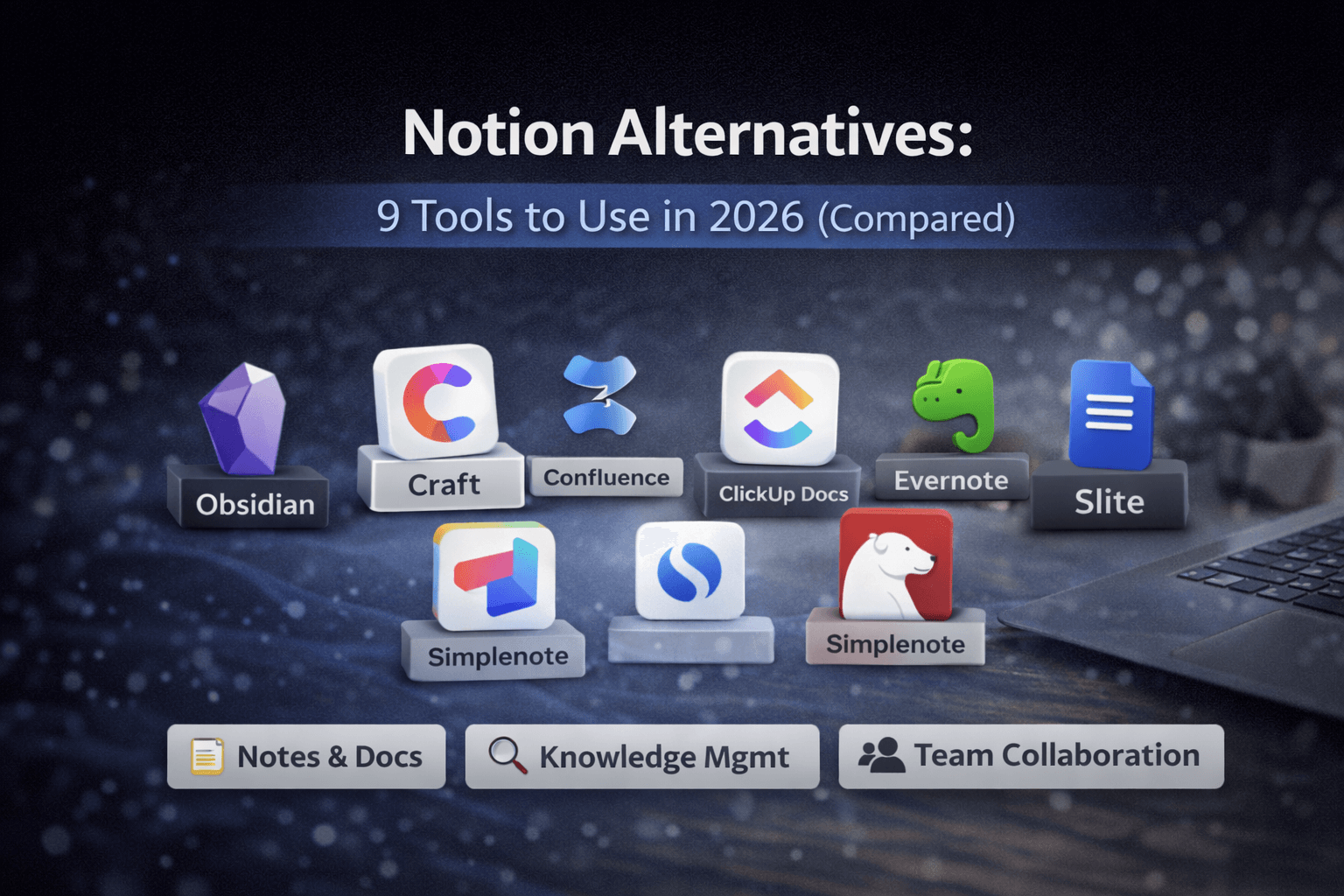
Notion is flexible and powerful, but it's not for everyone. Some people find it too complex, too slow, or simply more than they need. If you're looking for a Notion alternative that better fits how you work, this guide compares the best options available in 2026.
Quick Verdict
If you want a simpler Notion, try Craft.
If you want powerful local notes, Obsidian is hard to beat.
If you need team docs, Confluence still leads.
If you want speed and focus, Bear or Simplenote may be better.
What Is Notion?
Notion is an all-in-one workspace that combines notes, documents, databases, and collaboration tools. It's highly customizable, which makes it powerful—but also overwhelming for some users. The platform lets you build custom dashboards, create relational databases, and manage everything from personal notes to team wikis in one place.
Why People Look for Notion Alternatives
Common reasons people search for Notion alternatives include:
- Too much setup required - Notion's flexibility means you need to build your own structure
- Performance issues - Large workspaces can become slow, especially with many databases
- Offline limitations - Limited offline functionality compared to local-first tools
- Overkill for simple note-taking - Many users don't need databases or complex workflows
- Preference for local-first tools - Some users want their data stored locally, not in the cloud
- Cost concerns - Notion's pricing can add up for teams
- Learning curve - The platform's flexibility comes with complexity
Best Notion Alternatives (Compared)
1. Obsidian
Best for: Personal knowledge bases, local-first users, researchers, writers building interconnected notes
Not ideal for: Real-time team collaboration, users who need cloud sync without setup
Obsidian is a powerful knowledge management tool that stores all your notes locally on your device. It uses markdown files and creates a graph view showing connections between your notes.
Pros:
- Files stored locally on your device
- Powerful linking and graph view for visualizing connections
- Large plugin ecosystem for customization
- Markdown-based, future-proof format
- Free for personal use
- Excellent for building a personal knowledge base
Cons:
- Steeper learning curve than Notion
- Collaboration requires additional setup and plugins
- No built-in mobile app (community plugins available)
- Requires more technical knowledge to maximize potential
When to choose Obsidian: You want complete control over your data, prefer local storage, and enjoy building interconnected knowledge systems.
2. Craft
Best for: Clean documents, small teams, writers who want beautiful formatting
Not ideal for: Complex databases, users who need extensive customization
Craft offers a beautiful writing experience with elegant formatting and excellent collaboration for small teams. It's designed for creating clean, well-formatted documents rather than complex databases.
Pros:
- Beautiful writing experience with elegant formatting
- Fast and intuitive interface
- Good collaboration features for small teams
- Excellent mobile apps
- Clean, distraction-free design
Cons:
- Less flexible than Notion for building custom systems
- Pricing can add up for larger teams
- Limited database functionality compared to Notion
- Smaller ecosystem than Notion
When to choose Craft: You want Notion's collaboration features but prefer a simpler, more focused writing experience.
3. Confluence
Best for: Teams, internal documentation, companies using Atlassian tools
Not ideal for: Personal note-taking, solo users, simple workflows
Confluence is Atlassian's team collaboration and documentation platform. It's built for structured knowledge bases and integrates seamlessly with Jira and other Atlassian tools.
Pros:
- Strong team collaboration features
- Integrates well with Jira and other Atlassian products
- Structured knowledge base with spaces and hierarchies
- Enterprise-grade security and permissions
- Excellent for company wikis
Cons:
- Heavy interface that can feel overwhelming
- Not flexible for personal workflows
- Expensive for small teams
- Less modern UI compared to newer tools
When to choose Confluence: Your team needs robust documentation with enterprise features and you're already in the Atlassian ecosystem.
4. ClickUp Docs
Best for: Teams already using ClickUp for project management
Not ideal for: Standalone note-taking, users who don't need project management
ClickUp includes built-in documentation features that integrate directly with tasks and projects. If you're already using ClickUp for project management, the docs feature keeps everything in one place.
Pros:
- Tightly integrated with ClickUp tasks and projects
- Good for project documentation and wikis
- Real-time collaboration
- Free tier available
Cons:
- Can feel bloated if you only need docs
- Slower than dedicated note apps
- Less flexible than Notion for custom workflows
- Learning curve if you're not already using ClickUp
When to choose ClickUp Docs: You're managing projects in ClickUp and want documentation integrated with your workflow.
Related: See our ClickUp vs Notion comparison for a detailed breakdown of how these tools differ.
5. Evernote
Best for: Long-time Evernote users, simple note organization, web clipping
Not ideal for: Power users, teams, modern knowledge management
Evernote is one of the original note-taking apps, known for its web clipping features and simple organization system. It's been around for years and has a loyal user base.
Pros:
- Simple note organization with notebooks and tags
- Cross-platform availability
- Strong web clipping features
- Familiar interface for existing users
Cons:
- Expensive compared to alternatives
- Fewer modern features than newer tools
- Less flexible than Notion
- Performance issues with large note collections
When to choose Evernote: You're already invested in Evernote's ecosystem or need reliable web clipping.
6. Bear
Best for: Writers, focused note-taking, Apple ecosystem users
Not ideal for: Teams, Windows/Android users, complex databases
Bear is a beautiful, fast note-taking app designed exclusively for Apple devices. It focuses on writing experience and simplicity rather than complex features.
Pros:
- Fast and distraction-free writing experience
- Clean markdown support
- Beautiful design
- Tag-based organization
- One-time purchase option
Cons:
- Apple-only (iOS and macOS)
- Limited collaboration features
- No database functionality
- Smaller feature set than Notion
When to choose Bear: You're in the Apple ecosystem, prioritize writing experience, and don't need team collaboration.
7. Simplenote
Best for: Minimalists, quick note capture, cross-platform sync
Not ideal for: Structured work, formatting needs, team collaboration
Simplenote is Automattic's free, minimalist note-taking app. It's designed for speed and simplicity—no features beyond basic note-taking and sync.
Pros:
- Extremely fast and lightweight
- Free and cross-platform
- Simple markdown support
- No distractions
Cons:
- Very basic feature set
- No advanced formatting options
- Limited organization (tags only)
- No collaboration features
When to choose Simplenote: You want the simplest possible note-taking experience with sync across devices.
8. Slite
Best for: Async team documentation, remote teams
Not ideal for: Personal systems, complex databases, power users
Slite is a team documentation tool designed for async collaboration. It focuses on making documentation easy for teams without the complexity of Notion.
Pros:
- Clean team-focused documentation
- Easy onboarding for team members
- Good search functionality
- Affordable pricing
Cons:
- Limited flexibility compared to Notion
- Less known ecosystem
- Fewer integrations
- Not ideal for personal use
When to choose Slite: Your team needs straightforward documentation without Notion's complexity.
9. Google Docs
Best for: Real-time collaboration, familiar workflows, simple documents
Not ideal for: Knowledge management, structured organization, databases
Google Docs is Google's collaborative document editor. While it's not designed as a Notion alternative, many teams use it for simple documentation needs.
Pros:
- Familiar to most users
- Excellent real-time collaboration
- Free with Google account
- Works everywhere
Cons:
- No structure for large knowledge bases
- Weak organization (folders only)
- No database functionality
- Not designed for knowledge management
When to choose Google Docs: You need simple collaborative documents and don't require Notion's advanced features.
Who Should Switch Away from Notion?
You'll likely benefit from a Notion alternative if:
- You want simpler tools - Notion's flexibility requires setup time
- You prefer local storage - You want your data stored on your device
- You don't need databases - You primarily need notes and documents
- You work mostly alone - Notion's collaboration features aren't essential
- You value speed - You need fast, lightweight note-taking
- You want less complexity - You prefer tools with clear, focused purposes
Who Should Stay with Notion?
Notion still makes sense if:
- You enjoy building custom systems - You like Notion's flexibility and customization
- You rely heavily on databases - You need relational databases and complex data structures
- Your team already uses it extensively - Switching would disrupt established workflows
- You need all-in-one workspace - You want notes, docs, databases, and project management in one place
- You value the ecosystem - You use Notion templates, integrations, and community resources
Alternatives Summary Table
| Tool | Best For | Pricing | Platform |
|---|---|---|---|
| Obsidian | Personal knowledge bases | Free (personal) | All platforms |
| Craft | Clean documents, small teams | Paid | iOS, macOS, Web |
| Confluence | Team documentation | Paid | All platforms |
| ClickUp Docs | Project documentation | Free/Paid | All platforms |
| Evernote | Simple note organization | Paid | All platforms |
| Bear | Writers, Apple users | Paid | iOS, macOS |
| Simplenote | Minimalists | Free | All platforms |
| Slite | Team documentation | Paid | All platforms |
| Google Docs | Real-time collaboration | Free | All platforms |
Final Thoughts
There's no single "best" Notion alternative—only tools that fit different workflows better. The right choice depends on whether you value simplicity, control, collaboration, or flexibility.
For personal knowledge management: Obsidian offers the most power and control.
For team collaboration: Confluence or Slite provide structured documentation without Notion's complexity.
For simple note-taking: Bear (Apple) or Simplenote (all platforms) offer focused experiences.
For integrated workflows: ClickUp Docs works well if you're already using ClickUp for project management.
The key is matching the tool to your actual needs rather than choosing based on features you might never use.
Still deciding between Notion and ClickUp? Read our ClickUp vs Notion comparison to see which tool better fits your workflow.
Explore more: Browse our Stay Organized category for more tool comparisons and recommendations. For AI-powered writing assistance, see our ChatGPT alternatives for work guide.